






How to show up in Google AI Overviews in 2027
Google says there are no special tricks to appear in AI Overviews. Here is what it does say, and six steps to make your pages the ones it links to in 2027.

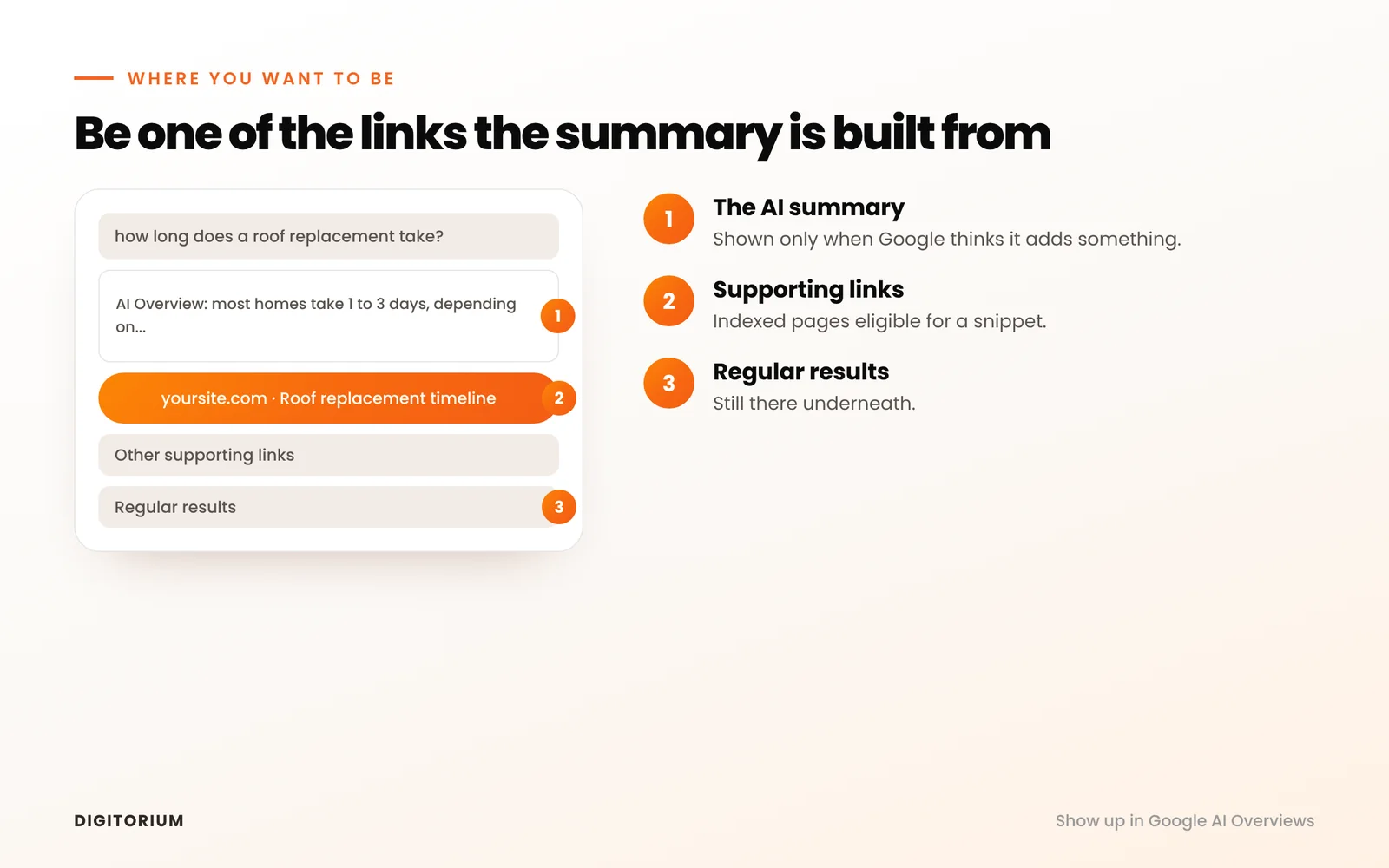
Search for almost any question on Google and you will often see an AI summary at the top, with a few links beside it. That is an AI Overview.
Business owners keep asking how to get their site into those links. Google has answered directly, and the answer is less mysterious than the hype suggests.
Key points
Google says there are no extra requirements or special optimizations to appear in AI Overviews or AI Mode.
Your page must be indexed and eligible to show with a snippet.
The usual SEO basics apply: crawl access, clear text, internal links, good page experience.
Google says clicks from pages with AI Overviews are higher quality: people spend more time on the site.
What Google actually says
From Google Search Central's page on AI features:
"There are no additional requirements to appear in AI Overviews or AI Mode, nor other special optimizations necessary."
To be shown as a supporting link, "a page must be indexed and eligible to be shown in Google Search with a snippet."
"You don't need to create new machine readable files, AI text files, or markup."
AI Overviews only show when Google thinks they add something, so they "often don't trigger".
Google also says AI features may run several related searches behind one question to build an answer. That gives more types of sites a chance to appear.
Six steps that help
1. Make sure Google can index your pages
Check Google Search Console. Look at the Pages report and make sure your key pages are indexed. Make sure your robots.txt and your hosting do not block Googlebot.
2. Answer real questions clearly
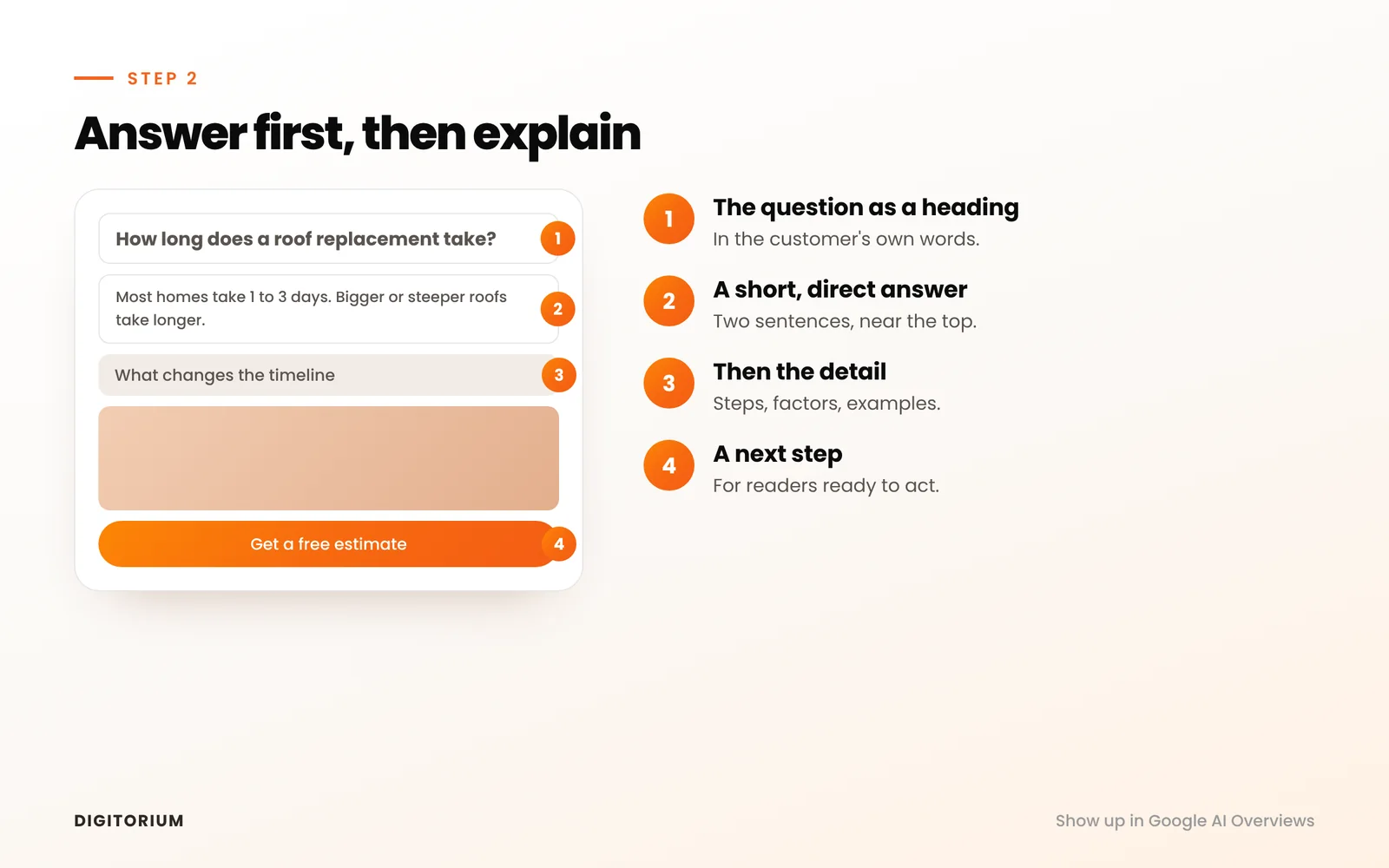
AI Overviews summarize answers. Pages that answer one question clearly are easier to use.
Put the answer near the top. Then give the detail. Use the questions your customers actually ask.
3. Put important content in text
Google says to make sure important content is available as text. Prices, service areas and steps inside images or PDFs are harder to use.
4. Link your pages together
Google lists internal links as a basic. Link each service page to related questions, and each blog post to the matching service.
5. Keep your Business Profile current
Google's AI features page specifically mentions checking that your Business Profile information is up to date. For local questions, that profile is a key source.
6. Show real expertise

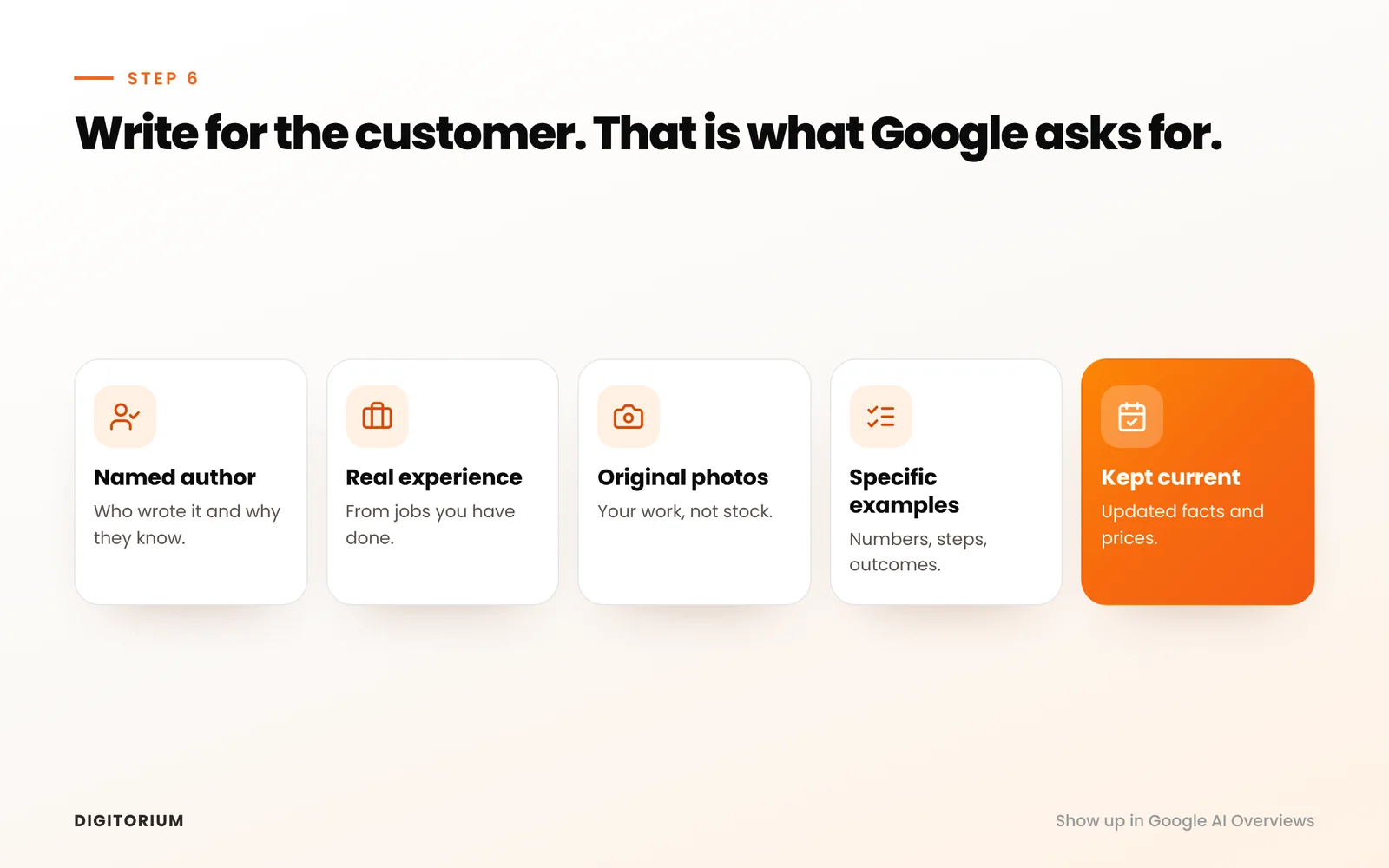
Google asks for "helpful, reliable, people-first content". Show who wrote the page, your experience, real photos and real examples from your work.
How to measure it
Google includes AI Overview and AI Mode traffic in Search Console's Performance report, under the "Web" search type. There is no separate AI report.
Watch for pages whose impressions rise while clicks hold steady or grow. Google says clicks from pages with AI Overviews tend to be higher quality, so also track time on site and leads in Google Analytics.
Quick answers
Do I need special schema markup for AI Overviews?
No. Google says there is no special structured data needed. Normal structured data still helps if it matches what is on the page.
Can I stop Google from using my content in AI Overviews?
Google says you can limit what is shown with nosnippet, max-snippet or noindex. Those also affect your normal search results.
Do AI Overviews kill clicks?
Some searches get fewer clicks. Google says the clicks that do happen are higher quality. Focus on pages that bring leads, not raw traffic.
Cover photo: Icons8 Team on Unsplash.
Sources
Read next: How to get your business recommended by ChatGPT.
Want your pages ready for AI search?
Send us your website. We will tell you what is holding it back, before you pay us anything.
Want this working for your business?
Send us your site or your ad account. We will tell you where the money is leaking, before you pay us anything.
Get in touch