



Why your Meta ads get clicks but no leads, and how to fix it in 2027
Plenty of clicks, hardly any leads? Seven reasons Meta ads fail to convert, and how to find and fix the one costing you money in 2027.

The ads are running. People are clicking. But the phone is quiet and the inbox is empty.
This is one of the most common problems we see. The good news is that it almost always comes down to one of seven things, and most are quick to fix.
Key points
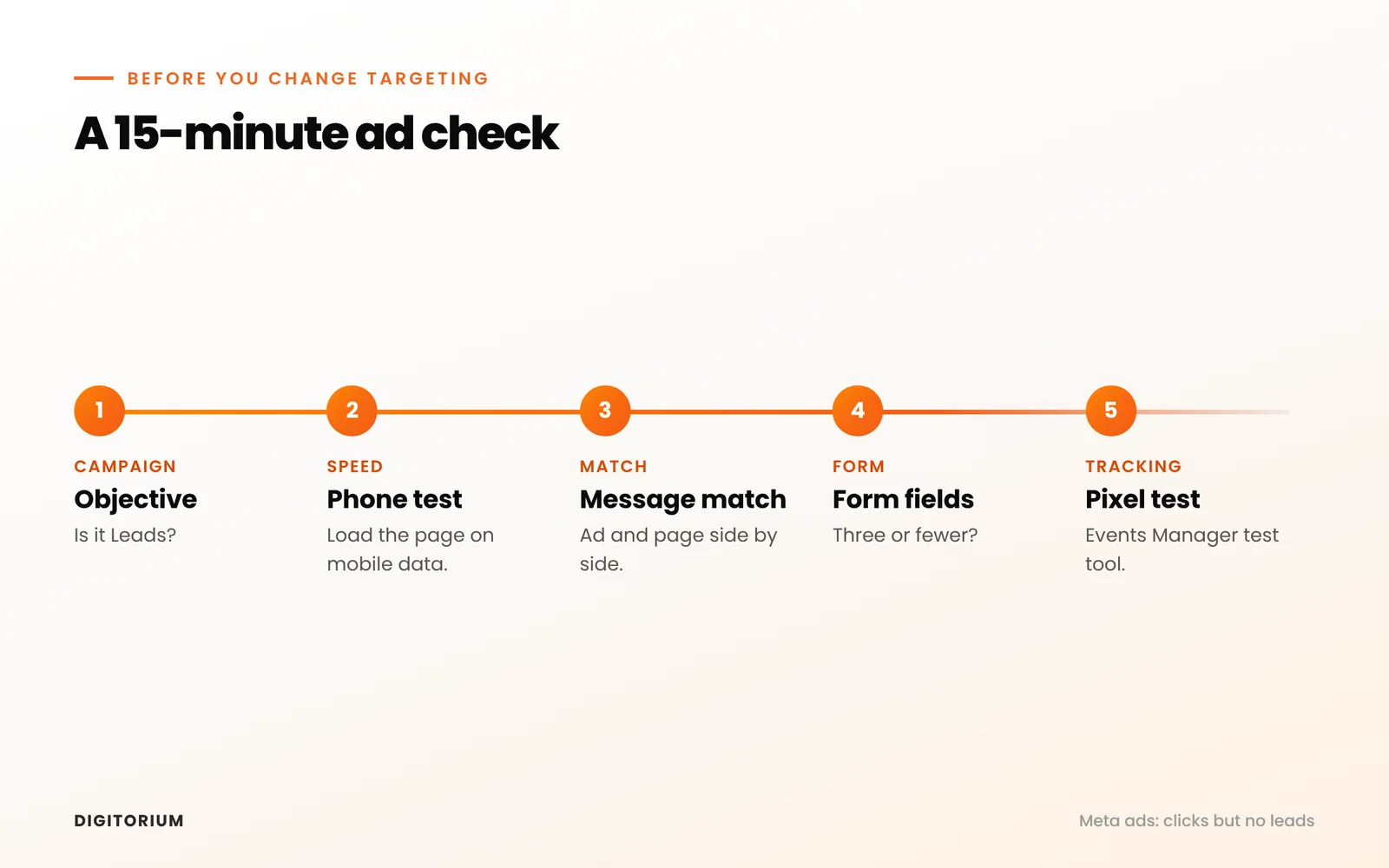
Check your campaign objective first. A Traffic campaign buys clicks, not leads.
Slow pages lose people. Google found 53% of mobile visits are abandoned if a page takes over 3 seconds.
The ad and the page must make the same promise.
Short forms, clear proof and working tracking turn clicks into leads.
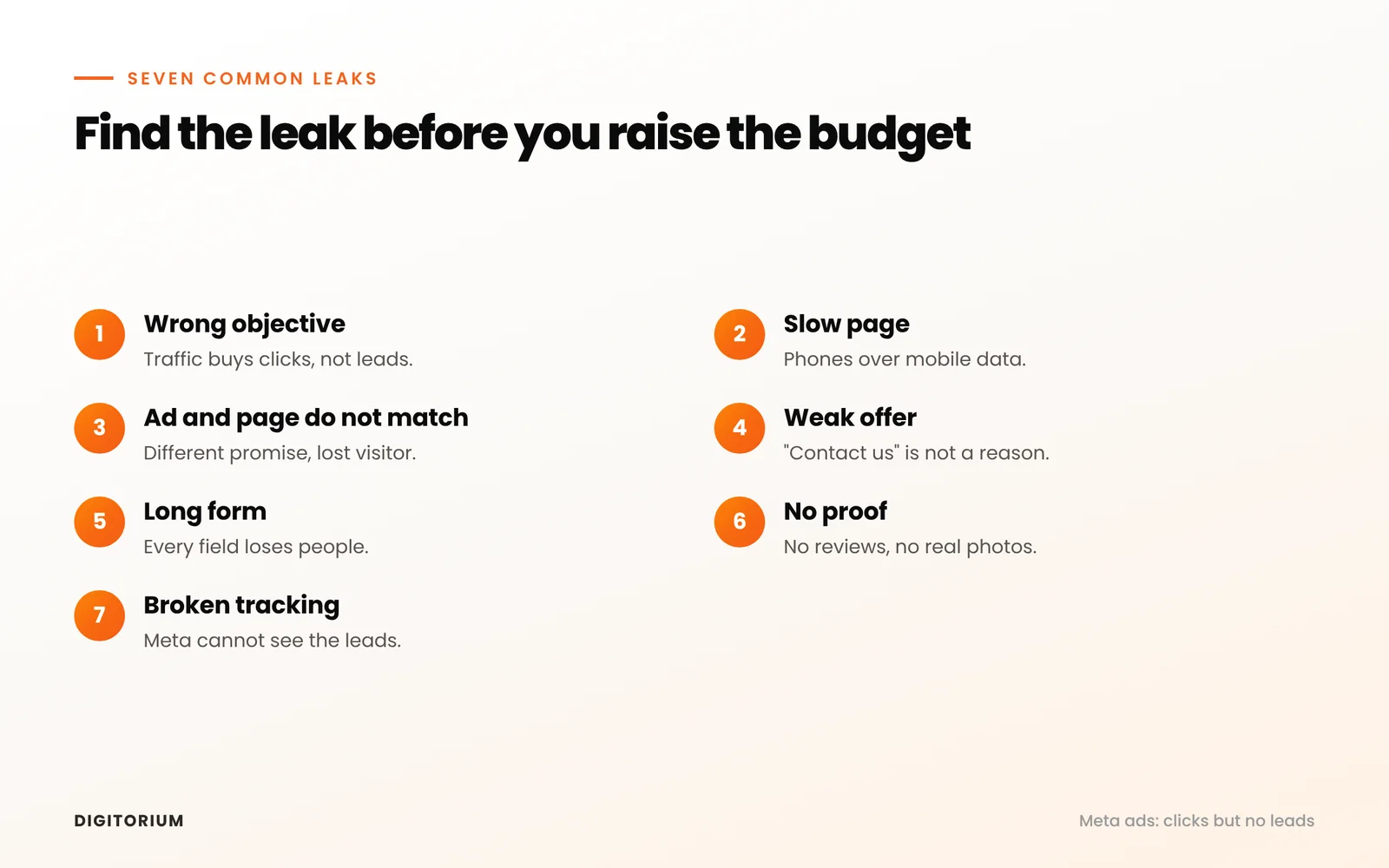
1. You chose the wrong objective
If your campaign objective is Traffic or Engagement, Meta does exactly what you asked. It finds people likely to click or like, not people likely to fill in a form.
Fix: use the Leads objective, with an instant form or a conversion event on your website.
2. Your page is too slow
Most Meta traffic is on phones, often over mobile data.
Google's research found 53% of mobile site visits are abandoned when a page takes longer than 3 seconds to load. Google's current guidance is to load the main content within 2.5 seconds.
Fix: test your landing page on your own phone over mobile data. Compress images, remove pop-ups and heavy scripts, or use an instant form instead.
3. The ad and the page do not match
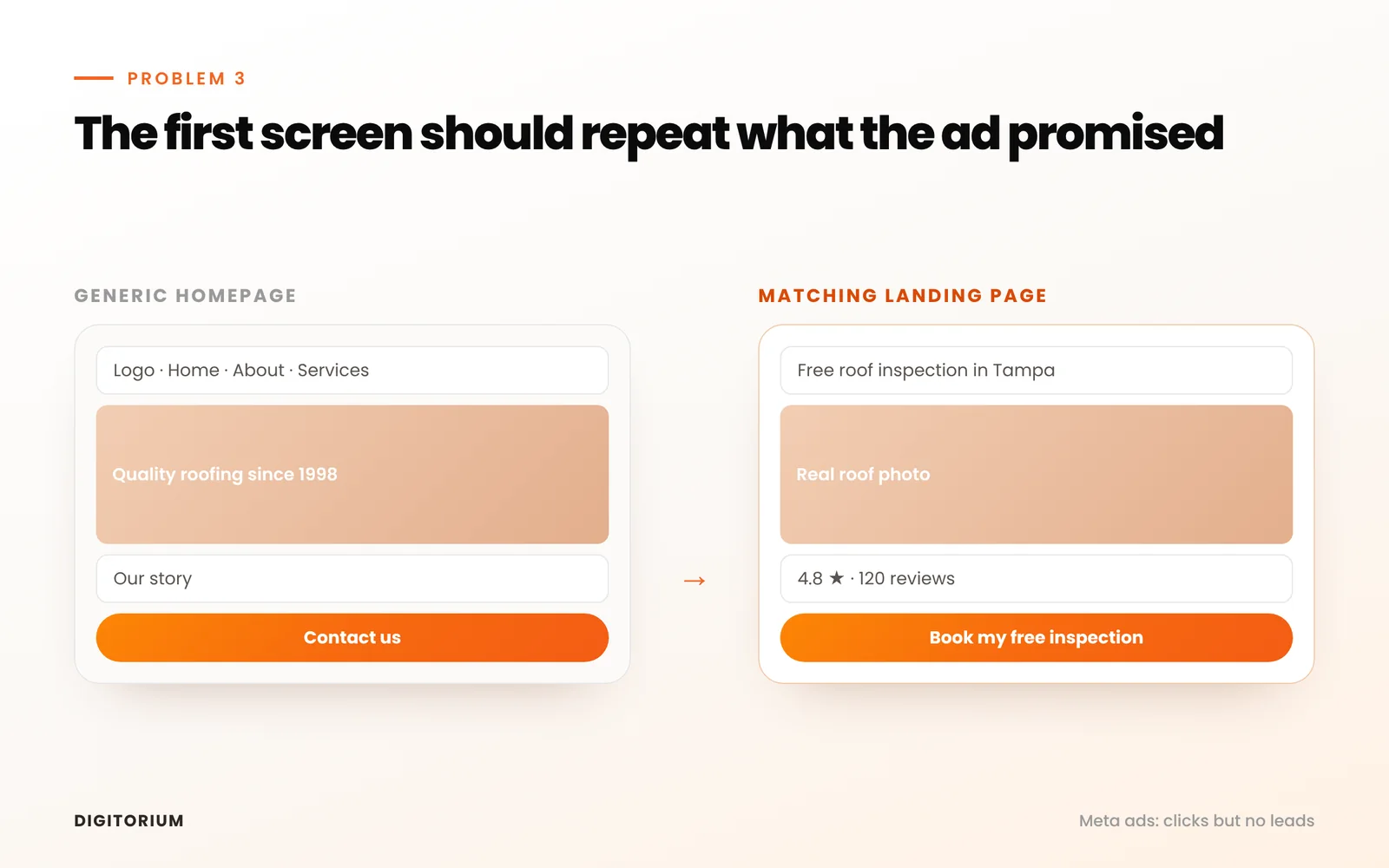
The ad says "Free roof inspection in Tampa". The click lands on a homepage about "quality roofing since 1998". People feel lost and leave.
Fix: send each ad to a page that repeats the same offer, in the same words, in the first screen.
4. The offer is not worth the effort
"Contact us to learn more" is not an offer. People need a reason to give you their details today.
Fix: give a clear, specific next step: a free estimate, a price list, open slots this month, a short consultation.
5. The form asks too much
Every extra field loses people. So does asking for details before you have earned any trust.
Fix: ask only for what you need to follow up: name, phone or email, and one qualifying question. On Meta instant forms, the "Higher intent" type adds a review step that cuts accidental sign-ups without adding fields.
6. There is no proof
People who do not know you need a reason to trust you. BrightLocal's 2026 survey found 97% of consumers read reviews for local businesses.
Fix: show reviews, real photos of your work and your location near the form.
7. Your tracking is broken
Sometimes the leads are coming in and Meta simply cannot see them. Then it optimizes for the wrong people.
Fix: check that your Meta Pixel and conversion events fire on the thank-you page or form submission. Use Events Manager's test tool. If you use a CRM, send lead results back with Meta's Conversions API.
How to find your problem

Look at three numbers in Ads Manager:
Click-through rate low? The creative or offer is the issue.
Clicks fine, landing page views much lower? The page is slow.
Page views fine, few leads? The page, offer, form or proof is the issue.
Quick answers
Should I increase my budget to get more leads?
Not until the leak is fixed. More budget sends more people to the same problem.
Are instant forms better than a website?
They usually bring more leads, because people never leave the app. Website leads are often more serious. Test both.
How long before I judge a change?
Give each change about a week of steady spend before you decide.
Cover photo: Vitaly Gariev on Unsplash.
Sources
Read next: Meta ads for small businesses in 2027.
Ads running but nothing coming in?
Send us your ad account. We will tell you where the money is leaking, before you pay us anything.
Want this working for your business?
Send us your site or your ad account. We will tell you where the money is leaking, before you pay us anything.
Get in touch